




How To Change The Date On A Watch
How To's
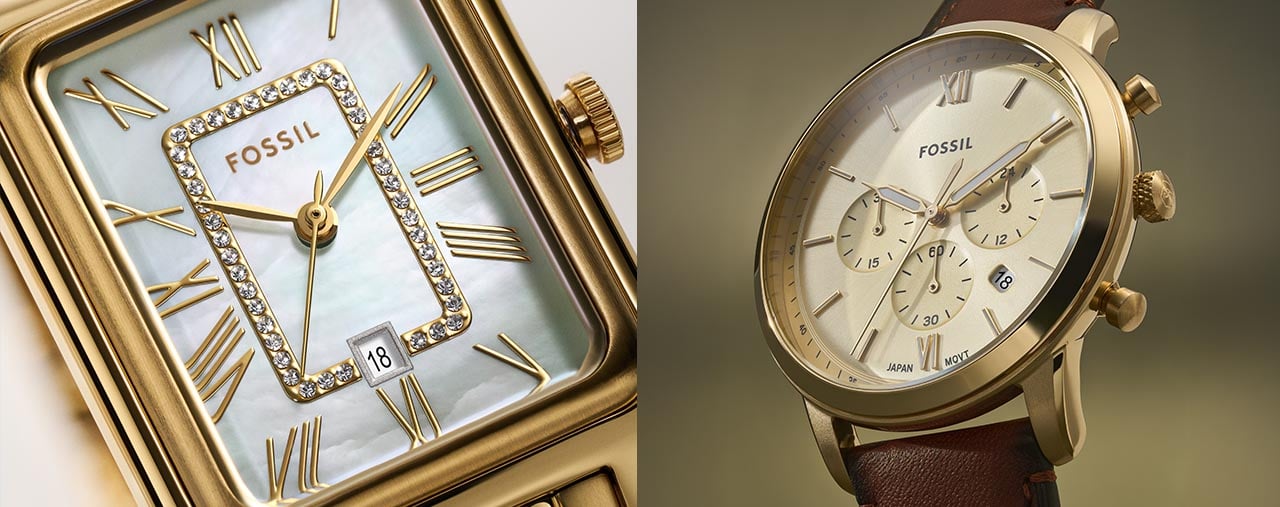
How to Change the Date on Your Fossil Watch
Setting your watch to the correct date is a quick detail that keeps you on track, day after day. If you’ve just picked up a new Fossil watch or your calendar has shifted, it helps to know exactly how to adjust the date. Below, we’ll walk you through everything you need to set the date on your Fossil watch—clearly and confidently.
Different Aspects Of Setting A Watch
The crown is that small, round knob usually found on the right side of your watch case. It’s the go-to control for adjusting both the time and the date on a Fossil watch. You can learn more about watch crowns in our dedicated guide. For most styles, the crown has several positions. For standard timekeeping, the crown is usually pushed all the way in. To make changes or to set a watch, you will need to pull the crown out to different positions. You can gently pull it out one click (the first position) to access the date setting feature on many Fossil watches. Pulling it out a second click (to the second position) is a common way to set the time. For more information about how to set the time on a Fossil watch, you can read our dedicated guide.
Step-by-Step Guide to Setting the Date
To change the date on your Fossil watch, start by identifying the crown. Begin by gently pulling the crown out to the first position. This is usually the one that lets you set the date, while the second position is often reserved for setting the time. Once you’re in the right spot:
- Rotate the crown slowly. You should see the date window advancing with each click or turn.
- Continue turning until the correct date appears in the window.
- Push the crown back to its original position against the watch case to lock in your changes.
If your watch has a screw-down crown, first unscrew it before pulling out. After setting, screw it back in to maintain water resistance.
Using Fossil’s Style Number Tool for Personalized Instructions
Some Fossil watches feature unique crown setups or date functions. If the standard method does not match your watch, there’s an easy fix. Look at the back of your watch case for the style number. Then, visit the Fossil online watch setting manual. Enter your style number, and you’ll get step-by-step instructions that match your exact model. This tool is designed to remove any guesswork and keep your watch running on schedule.
Personalized instructions can help with everything from setting a dual-time feature to synchronizing a chronograph. The manual is especially handy if you’re new to watches or if your timepiece has extra complications. With the right guidance, you’ll feel confident adjusting your Fossil watch any time the calendar changes.
Wrapping Up: Confidently Adjusting Your Fossil Watch
Changing the date on your Fossil watch is straightforward once you know where to start. Remember to use the crown carefully and refer to your style number for the most accurate instructions. With these steps, you’re all set for smoother mornings and perfectly timed plans.
Filed Under: How To's
